
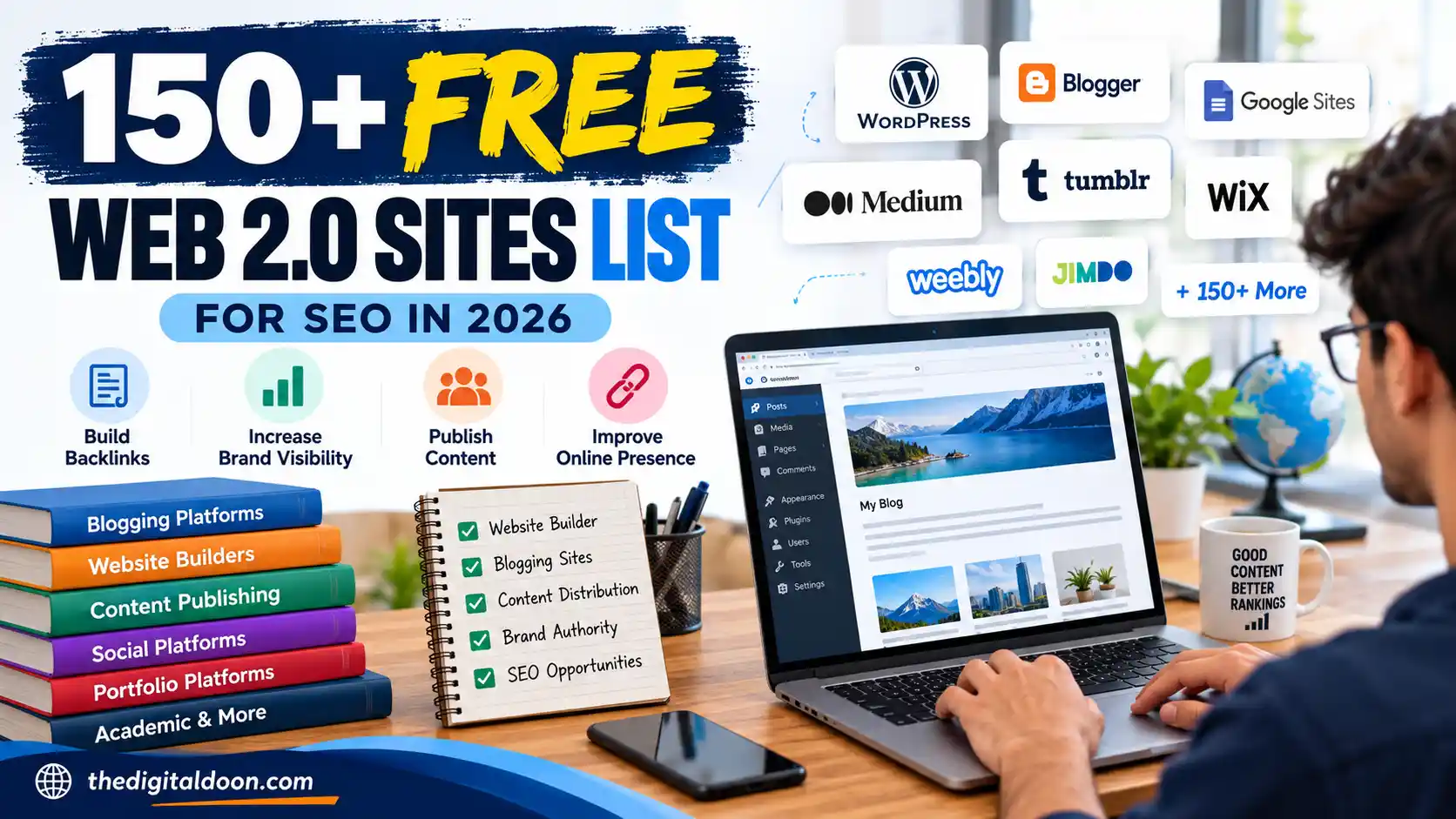

Finding free platforms where you can publish articles, create a blog, build a simple website, or establish an additional online presence is still useful for marketers, bloggers, businesses, and content creators.
This guide provides a curated list of 150+ Web 2.0 and user-publishing platforms, along with practical information about what each platform is best suited for and how to use these properties responsibly.
Unlike old Web 2.0 lists that focus only on domain authority or the number of backlinks you can create, this guide takes a broader approach.
A useful Web 2.0 property should give you somewhere meaningful to publish content, build a recognizable presence, reach readers, or organize useful information.
Important: Web 2.0 platforms should not be treated as a shortcut for manipulating search rankings. Google considers links created primarily to manipulate rankings to be link spam. The safest approach is to publish genuinely useful content and link only where it helps the reader.
Quick List: Best Free Web 2.0 Platforms
If you only want the most useful platforms to start with, these are some of the strongest options:
| Platform | Best for | Free option |
|---|---|---|
| WordPress.com | Blogs and websites | Yes |
| Blogger | Blogs | Yes |
| Google Sites | Simple websites and resources | Yes |
| Medium | Long-form publishing | Yes |
| Tumblr | Blogging and visual content | Yes |
| Wix | Website building | Yes |
| Weebly | Websites and small projects | Yes |
| Jimdo | Simple websites | Yes |
| Strikingly | One-page websites | Yes |
| Webnode | Websites and blogs | Yes |
| Instructables | Tutorials and how-to content | Yes |
| DeviantArt | Creative publishing | Yes |
| Academia.edu | Academic content | Yes |
| LiveJournal | Blogging/community | Yes |
| Penzu | Online journals | Yes |
For example, WordPress.com currently offers a free plan with a WordPress.com subdomain, hosting, SSL, themes, pages, posts and basic SEO features.
Medium is designed specifically around publishing stories and ideas, making it more suitable for articles than a conventional website builder.
Wix also allows users to create a functioning website through its free tier, although some features require a paid plan.
What Are Web 2.0 Sites?
The term Web 2.0 generally refers to websites and platforms that allow users to participate in creating, publishing, organizing, or sharing content.
Unlike a traditional website where only the owner publishes information, Web 2.0 platforms allow users to create their own pages, blogs, profiles, articles, portfolios, websites, or other forms of content.
Examples include:
- Blogging platforms
- Website builders
- Publishing platforms
- Community platforms
- Portfolio platforms
- Knowledge-sharing websites
- User-generated content platforms
In SEO discussions, the term is often used for platforms where marketers can create a page or blog and potentially reference their own website.
However, a platform having a high Domain Authority score does not automatically mean that every page published there provides a valuable SEO link.
The quality, relevance, context, and purpose of the content matter.
Are Web 2.0 Sites Still Useful in 2026?
Yes, but their role has changed.
The old approach was simple:
- Create hundreds of accounts.
- Publish short articles.
- Add keyword-rich backlinks.
- Repeat the process.
That is not a strategy I’d recommend today.
Google’s spam policies specifically identify links created primarily to manipulate rankings as link spam. Google also says that its systems can detect and neutralize the effects of spammy links.
A more sensible use of Web 2.0 platforms is to create real publishing properties.
For example, a company could use a Blogger site to publish educational articles, a Google Site to organize a resource centre, Medium to distribute expert articles, and a WordPress.com site for a focused publication.
The purpose should be useful content first.
The link, if included, should make sense in that content.
150+ Free Web 2.0 Sites
Below is a broad list organized by the type of publishing or website-building activity they are most useful for.
1. Blogging & Publishing Platforms
These platforms are particularly useful if your goal is to publish articles, guides, opinions, tutorials, or educational content.
- WordPress.com
- Blogger
- Medium
- Tumblr
- LiveJournal
- Dreamwidth
- Postach.io
- Penzu
- HubPages
- Vocal Media
- Steemit
- Telegra.ph
- Write.as
- Bear Blog
- Substack
- Hashnode
- DEV Community
- Ghost
- Svbtle
- Pen.io
- Edublogs
- Bloglovin
- Blog.fc2
- Webnode
- Jimdo
Best use: long-form articles, educational resources, personal publishing, niche blogs and topical content.
2. Free Website Builders
Website builders are useful when you want something more substantial than an individual article.
- Google Sites
- Wix
- Weebly
- Jimdo
- Webnode
- Strikingly
- Site123
- Yola
- Ucraft
- Carrd
- Webador
- Mozello
- SITE123
- Webstarts
- SimDif
- Webflow
- Framer
- Google Sites
- Zoho Sites
- Squarespace
Best use: resource websites, portfolios, small projects, informational sites and landing pages.
Availability and free-plan limitations vary between platforms, so check the current provider terms before creating a property.
3. Creative & Portfolio Platforms
These platforms can be useful for designers, photographers, artists, illustrators and other creators.
- DeviantArt
- Behance
- Dribbble
- Flickr
- 500px
- ArtStation
- Carbonmade
- Portfoliobox
- Adobe Portfolio
- Crevado
- Krop
- Coroflot
- Issuu
- Calaméo
- SmugMug
These platforms are generally more useful when you have actual creative work to showcase rather than creating a property solely for an SEO link.
4. Academic & Knowledge-Sharing Platforms
If you produce research, educational resources, presentations, papers or professional material, these platforms can provide a more appropriate publishing environment.
- Academia.edu
- ResearchGate
- SlideShare
- Scribd
- Issuu
- SlideServe
- Speaker Deck
- Zenodo
- Figshare
- ResearchGate
- Mendeley
- OpenResearch
- Internet Archive
- Wikidot
- Fandom
Always follow each platform’s rules regarding commercial content, self-promotion and external links.
5. Tutorial & How-To Platforms
For certain industries, tutorial platforms can be more valuable than generic Web 2.0 blogs.
- Instructables
- wikiHow
- Hackster
- Make:
- GitHub
- GitLab
- CodePen
- JSFiddle
- Replit
- Kaggle
- Stack Overflow
- DEV Community
- Hashnode
These platforms are particularly relevant for technical, educational, DIY, programming and instructional content.
6. Community & Discussion Platforms
Community platforms can help you participate in discussions and develop a genuine online presence.
- Quora
- X
- Threads
- Discord
- GitHub Discussions
- Product Hunt
- Hacker News
These should be approached differently from traditional Web 2.0 blogs.
Creating an account and immediately dropping promotional links into communities can be considered spam and may result in removal or account restrictions.
The better approach is to participate first and contribute something useful.
7. Social Publishing & Visual Platforms
- Flickr
- Tumblr
- X
- Threads
- YouTube
- Vimeo
- Dailymotion
- TikTok
- SoundCloud
- Mixcloud
These platforms can be useful for distributing content in different formats rather than simply publishing text.
8. Document & Presentation Publishing
- SlideShare
- Issuu
- Scribd
- Speaker Deck
- SlideServe
- Calaméo
- DocDroid
- Academia.edu
- ResearchGate
- Zenodo
- Figshare
For example, a detailed article can sometimes be converted into a presentation, checklist, research document, or visual guide.
That creates a genuinely different piece of content rather than copying the same article everywhere.
9. Developer & Technical Publishing Platforms
- GitHub
- GitLab
- CodePen
- JSFiddle
- Replit
- Glitch
- Stack Overflow
- DEV Community
- Hashnode
- CodeSandbox
- Kaggle
- Observable
- Hackster
These are primarily relevant to technical audiences and shouldn’t be used simply because the underlying domain has strong SEO metrics.
Relevance matters.
10. Additional Publishing & Website Platforms
- Ucoz
- Webstarts
- Webgarden
- Simplesite
- BraveSites
- Sitey
- JouwWeb
- Beepworld
- Overblog
- Angelfire
- Tripod
- Bravenet
- Own-Free-Website
- Smore
- RebelMouse
- Zumvu
- Telescope
- Hatenablog
- Skyrock
- CreateBlog
- Blogrip
- AtoAllLinks
Important: Older Web 2.0 lists frequently contain platforms that have changed, shut down, redirected, or significantly altered their publishing policies. Don’t assume an old list is still accurate.
For example, recent research into hundreds of previously listed Web 2.0 platforms found that a significant number were no longer operating or had changed substantially.
The Best Web 2.0 Sites for Different Purposes
Instead of asking which platform has the highest DA, start with your objective.
| Goal | Platforms to consider |
|---|---|
| Start a blog | Blogger, WordPress.com |
| Publish long-form articles | Medium, WordPress.com |
| Build a simple resource site | Google Sites, Wix, Weebly |
| Create a portfolio | Behance, Dribbble, Adobe Portfolio |
| Publish tutorials | Instructables, wikiHow |
| Publish technical content | GitHub, DEV, Hashnode |
| Publish presentations | SlideShare, Speaker Deck |
| Share visual content | Pinterest, Flickr |
| Academic publishing | ResearchGate, Academia.edu |
| Build a newsletter | Substack |
| Developer portfolio | GitHub |
| Create a simple landing page | Carrd, Strikingly |
How to Choose the Right Web 2.0 Platform?
Don’t choose a platform simply because someone has listed it as “DA 90+”.
Consider these factors instead.
1. Relevance
Does the platform make sense for your content?
A programming tutorial belongs naturally on a developer-focused platform.
A photography portfolio belongs on a creative platform.
A general educational article may fit better on a blogging or publishing platform.
2. Real Publishing Capability
Can you actually create useful content there?
A platform where you can publish a complete article or resource is generally more useful than a profile page with a single external link.
3. Audience
Does the platform have people who might actually read your content?
A website that sends referral visitors can provide value beyond SEO.
4. Longevity
Has the platform been operating consistently?
Be cautious with obscure Web 2.0 websites that appear on dozens of old SEO lists but have little visible activity.
5. Editorial Fit
Can you build a coherent publication around your topic?
This is particularly important if you’re creating a secondary blog.
A site with a clear subject, navigation, About page, contact information and useful articles is far more credible than an empty account containing one backlink.
How to Build a Web 2.0 Site Properly?
If you decide to create a Web 2.0 property, treat it like a small website.
Step 1: Give it a purpose
Don’t start with:
“I need a backlink.”
Start with:
“What information would I publish here if there were no backlink involved?”
That question immediately improves the quality of the property.
Step 2: Choose a clear topic
For example:
Language Exam Journal
could focus on:
- PTE
- IELTS
- LanguageCert
- NAATI
- English learning
- Study techniques
- Test comparisons
Step 3: Create basic pages
A useful publication can have:
- Home
- About
- Contact
- Editorial policy
- Privacy policy
- Categories
- Articles
Step 4: Publish several useful resources
Don’t launch with one 400-word article and three links.
Build a small library.
For example:
- PTE vs IELTS
- IELTS Academic vs General Training
- How PTE scoring works
- IELTS speaking preparation
- LanguageCert exam guide
- NAATI certification overview
- English vocabulary resources
Step 5: Add useful internal links
Connect related articles naturally.
For example:
PTE vs IELTS
can link to:
PTE Speaking Guide
and:
IELTS Speaking Guide
This creates a genuine information architecture.
Step 6: Use external links carefully
Link to official sources when discussing requirements, examination rules, fees, or policies.
External links can improve the usefulness of an article when they help readers verify information.
Step 7: Don’t force backlinks
If a link doesn’t help the reader, don’t add it.
A contextual reference that genuinely helps the reader is preferable to repeatedly inserting exact-match commercial anchor text.
How Many Web 2.0 Sites Should You Create?
There is no magic number.
You do not need 100 Web 2.0 sites just because an SEO list contains 100 platforms.
I’d rather have:
5 well-developed properties
than:
50 abandoned pages.
Each property should have its own purpose, content and audience.
If you cannot maintain a platform, there is little reason to create it.
Web 2.0 Links: DoFollow vs Nofollow
You’ll often see Web 2.0 lists divided into:
- DoFollow
- NoFollow
- UGC
- Sponsored
- Profile links
- Contextual links
These classifications can change as platforms update their policies.
More importantly, DoFollow does not automatically mean valuable.
A relevant contextual link from a genuinely useful article can be more meaningful than a random link placed on an empty profile page.
Google’s spam documentation also makes clear that the issue is not simply whether a link technically passes ranking credit; links created primarily to manipulate rankings can fall under its link-spam policies.
Common Web 2.0 Mistakes
Creating dozens of empty properties
An account with one article and one backlink isn’t a meaningful publication.
Copying the same article everywhere
Publishing identical content across multiple properties creates little additional value.
Instead, create genuinely different resources.
Keyword-stuffed anchor text
Repeatedly using exact-match commercial keywords can make your link profile and content look unnatural.
Using unrelated platforms
Don’t create technical accounts, academic profiles, community posts, and creative portfolios simply because those platforms have strong domains.
Use platforms that make sense for your content.
Publishing only promotional material
If every article ultimately tells the reader to buy something, the property stops looking like a resource.
Ignoring platform rules
Every website has its own terms, moderation policies, and link policies.
Read them before publishing.
Web 2.0 vs Social Media vs Business Profiles
These are often mixed together, but they serve different purposes.
Web 2.0 publishing
Best for:
Articles + websites + resources
Examples:
WordPress.com, Blogger, Google Sites, Medium.
Social platforms
Best for:
Distribution + community + engagement
Examples:
LinkedIn, Reddit, Pinterest, YouTube.
Business profiles
Best for:
Business identity + local discovery + contact information
Examples depend on your location and industry.
A healthy online presence doesn’t require using every category.
The objective is to use the platforms that make sense for your audience.
Frequently Asked Questions
Are Web 2.0 sites free?
Many major publishing and website-building platforms offer free options, although features, storage, domains, advertising, and publishing restrictions vary.
For example, WordPress.com currently offers a free plan with a WordPress.com subdomain.
Are Web 2.0 backlinks still useful?
They can be useful as part of a broader content and online-presence strategy, but they should not be treated as a guaranteed ranking shortcut.
Google can ignore or neutralize the ranking effects of spammy links, and creating links primarily to manipulate rankings violates Google’s link-spam policy.
Are all Web 2.0 backlinks DoFollow?
No.
Link attributes and platform policies vary. Some platforms may add nofollow, ugc, or other attributes, while policies can change over time.
Is a high-DA Web 2.0 site automatically good?
No.
Domain-level third-party metrics are useful for research, but they don’t tell you whether a particular page is useful, relevant, indexed, trusted, or capable of generating meaningful referral traffic.
Should I create 100 Web 2.0 sites?
No.
Focus on quality and relevance rather than the number of properties.
Can I publish the same article on multiple Web 2.0 websites?
You technically may be able to, depending on platform policies, but creating substantially different and useful content is generally a better strategy.
Turn one topic into different resources instead of repeatedly copying the same article.
Which Web 2.0 site is best for blogging?
Blogger and WordPress.com are straightforward choices for creating a traditional blog, while Medium is designed specifically around article publishing.
Which Web 2.0 site is best for a simple website?
Google Sites, Wix, WordPress.com, Weebly and similar website builders can be useful depending on how much customization you need.
Can Web 2.0 sites generate traffic?
Yes, but traffic should come from the usefulness and distribution of the content rather than from simply creating a page.
A well-written tutorial, guide, or resource can attract readers independently of its role in SEO.
Final Thoughts
Web 2.0 platforms are not a magic backlink machine.
Their real value is that they give individuals, publishers and businesses access to established publishing environments where they can create useful content without building every website from scratch.
The strongest approach is simple:
Choose relevant platforms.
Create a genuine purpose.
Publish original information.
Build useful internal resources.
Reference authoritative sources.
Link externally only when it helps the reader.
Maintain the property over time.
And most importantly, don’t judge a Web 2.0 platform only by its Domain Authority or whether someone has labelled its links “DoFollow.”
A useful publication that attracts readers is a much better asset than an empty page created only to hold a backlink.
Editor’s Note
Web 2.0 platforms change frequently. Free plans, publishing policies, link attributes, account requirements and availability may change without notice. Before creating an account or publishing content, check the platform’s current terms and features.
This list is intended as an educational resource and should not be interpreted as a guarantee that any particular platform will improve search rankings.

Ankit Butola is a digital marketing professional and the founder of The Digital Doon, with experience in SEO, content strategy, technical SEO, and performance marketing. He works across different industries and focuses on building practical, data-driven digital strategies that help businesses improve their online visibility and generate sustainable growth.
Ankit regularly shares practical insights, guides, and industry observations to help businesses and marketers better understand the constantly evolving digital landscape.
- Ankit Butola
- Ankit Butola

- Ankit Butola

- Ankit Butola